Wholesale cash application on the new ledger
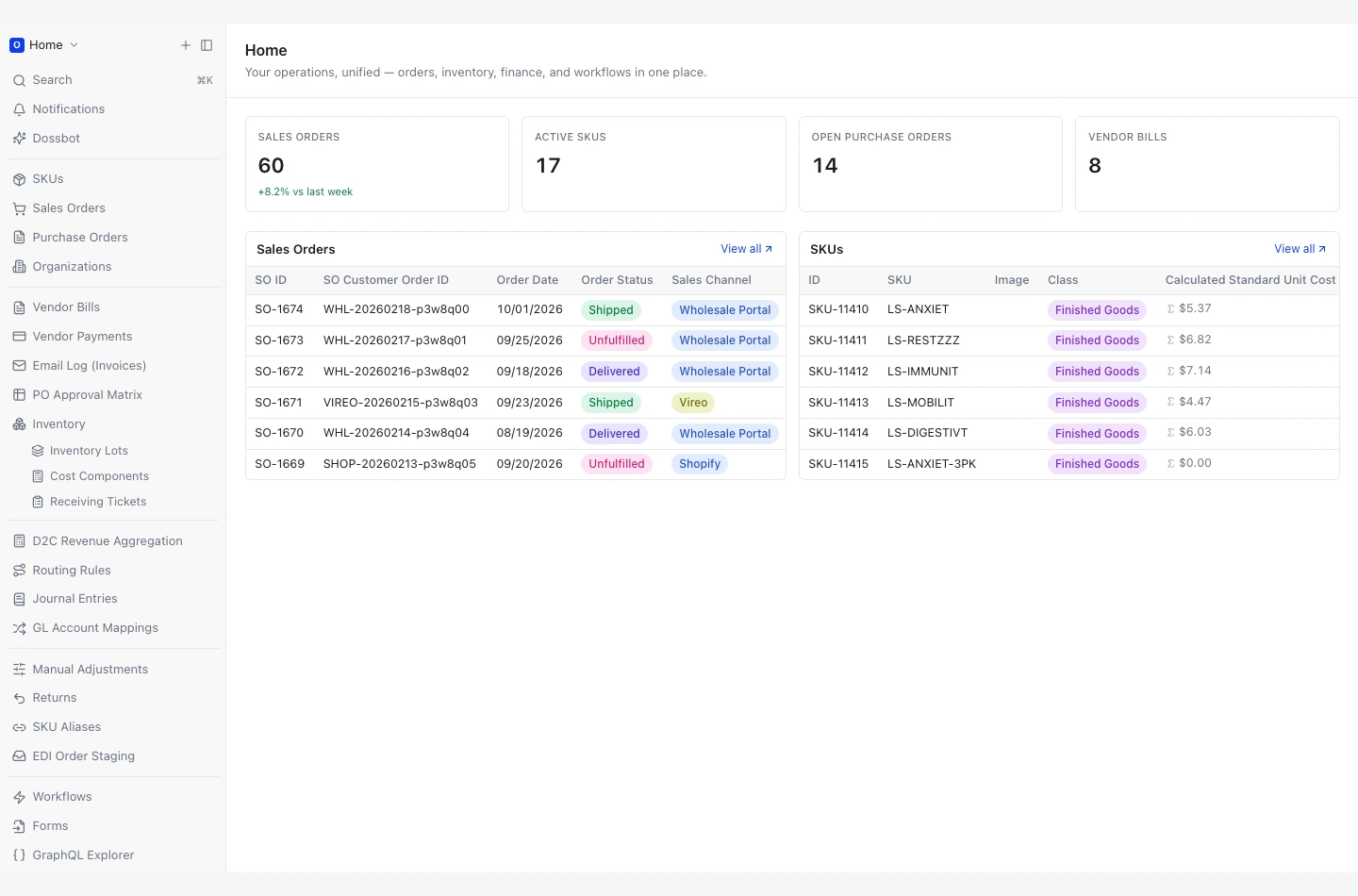
One remittance covering around 200 invoices, per-store deductions and four retailer formats, matched and tied out to the penny.
 AiSolv.
Your ERP, put to work.
Workflows, views and agents built inside your systems, whichever ERP they are. Orders, inventory, purchasing, finance, and the people moving the work forward.
↓01 / YOUR ERP
The ERPs and ledgers we have built on. Choose yours to see the work.
WHAT WE HAVE BUILT ON NETSUITE
One remittance covering around 200 invoices, per-store deductions and four retailer formats, matched and tied out to the penny.
Order and serial-number context pulled into support work, so agents stop switching between back office, analytics and NetSuite.
WHAT WE HAVE BUILT ON ORACLE
Around 30 governed MCP servers give agents read access to Oracle EBS, with permissions, rate limits and an audit trail.
Sensitive data stays on-premise behind on-premise GPUs and a private model; a classifier routes every request to the right side.
WHAT WE HAVE BUILT ON SAGE & QUICKBOOKS
Remittance files matched against open invoices, only the exceptions shown, short-pays and disputes handled in one place.
Daily order posting at line level and the weekly expense import, replacing a chain of exports, spreadsheets and import templates.
WHAT WE HAVE BUILT ON CUSTOM & SQL SERVER ERPS
A site-to-site VPN from Azure to the on-premise SQL Server, then an agent that plans, calls tools and answers questions across the business with its reasoning visible.
Supplier performance scored from the ERP’s own records, re-weighted instantly, exported to PDF or Excel.
02 / WHAT WE BUILD ON YOUR ERP
The AI enablement we build inside your systems: the workflows, views and agents that automate operations on the ERP you run.
02 / IN ACTION · FROM CONTEXT TO ACTION
02 / THE BUILDING BLOCKS OF OUR SOLUTION
Connect your existing records and workflows instead of making teams re-enter the same information across disconnected tools.
WHAT WE BUILD AROUND
Give operators a usable view of the work, from order intake to stock movement and fulfillment.
WHAT WE BUILD AROUND
Connect business questions to the data and tools that can answer them, with a trace that your team can inspect.
WHAT WE BUILD AROUND
Ship integrations with clear permissions, review points, and a way to see how each workflow behaved.
WHAT WE BUILD AROUND
BUILT IN YOUR WORLD
The workflow starts with your operation. The software is built around it.
Explore industries 01 / MANUFACTURING & CPG
Connect the floor to the business.
Keep every order connected.
Behind every customer experience.
Useful context. Clear human judgment.
From the production line to the customer.
Make expertise easier to put to work.
FROM FIRST WORKFLOW TO EVERYDAY USE
Start with work that matters. Build in the checks. Leave your team with a system they can run.
Map the process, the people, and the systems. Agree on what a useful result looks like.
Connect the right sources and put a real workflow in front of the people who will use it.
Review representative cases, handle the exceptions, and make approvals and access explicit.
Deploy in your environment, document the system, and train the team that will own it.
ON WORKING WITH AISOLV
More client perspectives
“This is now 1 less bottleneck at my company, and I'm grateful for it.”
Let’s find the right starting point for erp & operations in your business.
Book a consultation SAP ECC to S/4HANA, ERP and ledger moves, data migrations.